.jpeg)
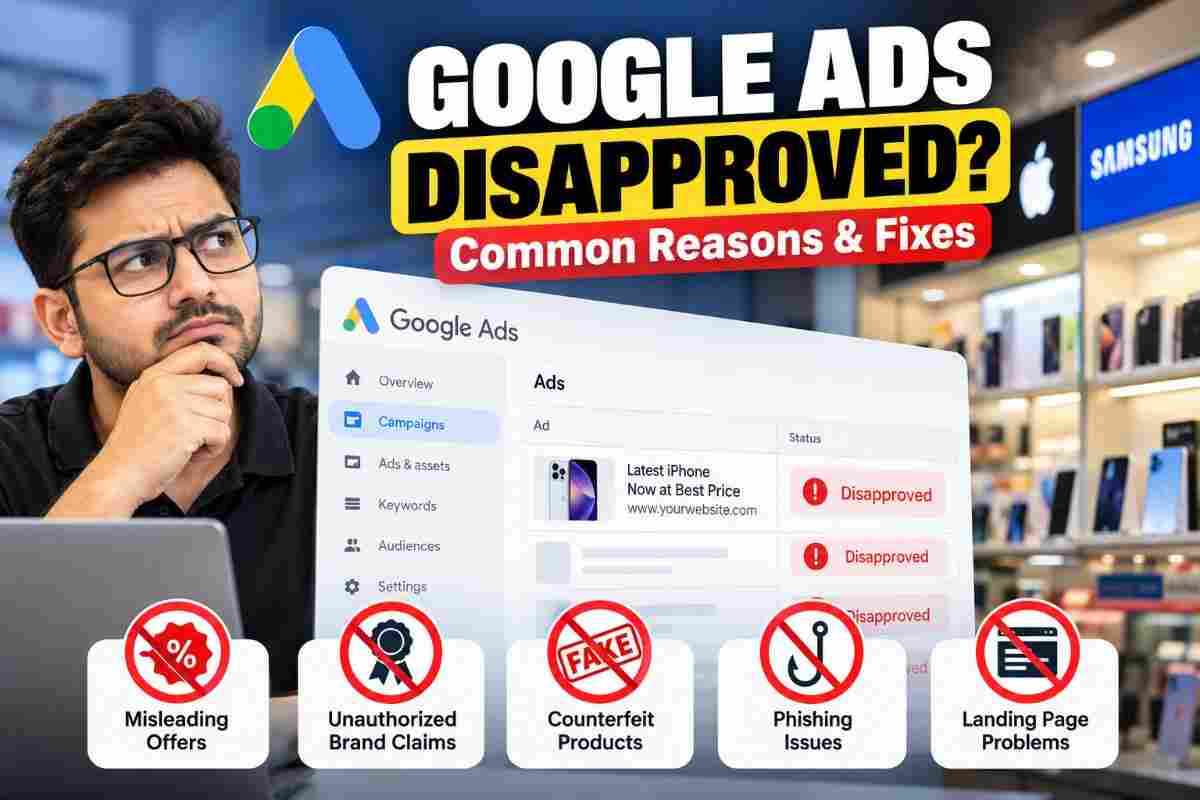
# Why Google Ads Get Disapproved: Common Reasons and How to Fix Them
Have you created a Google Ads campaign, selected your keywords, written your ad copy, and launched your campaign, only to discover that your ads have been disapproved?
This is a common challenge for advertisers and business owners. Even a genuine business can face Google Ads disapprovals if its advertising content, website, product claims, or landing page does not comply with Google's advertising policies.
For example, imagine a mobile shop that sells Apple iPhones and Samsung smartphones. The shop is a genuine business, but its ads might still be disapproved if Google identifies misleading brand claims, unsupported offers, counterfeit products, or other policy violations.
The important thing to understand is that selling branded products is not automatically a violation. The actual issue depends on the products, the claims being made, the website, and the specific policy involved.
In this guide, we will explore the common reasons Google Ads get disapproved and explain what advertisers should check before launching a campaign.
1. Misleading Offers and False Discounts
One of the important areas Google checks is whether advertisements accurately represent the products and services being promoted.
Suppose a mobile shop creates an advertisement saying
- iPhone available at 50% off.
- Samsung smartphones starting at ₹4,999.
- Guaranteed lowest price in India.
- Limited-time offer on all premium smartphones.
If these offers are not genuine, the actual prices differ significantly, or important conditions are hidden from customers, the ads or their landing pages may violate Google's misrepresentation policy.
How to avoid this issue
- Advertise only offers that your business can genuinely provide.
- Make sure the landing page displays the advertised prices and conditions accurately.
- Clearly mention eligibility requirements, additional charges, and important limitations.
- Avoid unrealistic claims that you cannot substantiate.
- Update or remove expired promotional offers.
**Pro tip:** Before publishing a campaign, compare every promotional claim in your ad with the information available on your landing page.
2. Claiming to Be an Authorized Dealer Without Proper Authorization
This is especially relevant for mobile shops, electronics retailers, repair businesses, and other companies that sell well-known branded products.
Imagine a local mobile shop selling Apple and Samsung phones. The advertiser creates an ad saying
"Official Apple Authorized Dealer in Surat."
However, the business does not actually have authorization from Apple to make that claim.
This may create a misleading impression about the relationship between the shop and the brand.
The same concern applies to statements such as
- Official Samsung Service Centre.
- Apple Authorized Service Provider.
- Official Brand Partner.
- Certified Brand Repair Centre.
These claims should only be used when the business has the appropriate authorization or credentials to support them.
What if the business sells genuine Apple or Samsung products?
Selling genuine products does not automatically make a retailer an authorized dealer.
A retailer may be able to advertise genuine branded products without claiming an official partnership. However, it must comply with applicable trademark rules and avoid misleading customers about its relationship with the manufacturer.
How to avoid this issue
- Use accurate descriptions of your business and its relationship with each brand.
- Do not claim official authorization unless you can substantiate it.
- Clearly distinguish between selling a product and providing manufacturer-authorized services.
- Use your own business name, logo, and branding.
- Review Google's trademark and counterfeit goods policies when advertising branded products.
3. Counterfeit Products and Misleading Brand Representation
Google Ads prohibits advertising counterfeit goods.
Counterfeit products are not simply inexpensive products or third-party alternatives. They are products that improperly imitate another brand's trademark or distinctive branding to pass themselves off as genuine.
For example, a seller advertising fake branded smartphones as original Apple or Samsung devices may face serious enforcement action.
Google may examine both the ad and the website to determine whether the products are being represented honestly.
How to avoid this issue
- Sell and advertise authentic products.
- Never represent replicas or counterfeit products as genuine branded goods.
- Use accurate product names and descriptions.
- Avoid using another brand's identity in a way that misleads customers.
- Ensure that product images and descriptions match the items actually being sold.
Counterfeit goods violations can have consequences much more serious than an individual ad disapproval, including account suspension.
4. Phishing and Suspicious Website Behaviour
Sometimes the problem is not limited to the advertisement. The website itself may raise policy concerns.
Phishing involves deceptive attempts to obtain sensitive information, such as passwords, payment information, or other valuable personal data, by pretending to be a trusted business or organization.
For example, a website might use another company's branding to make visitors believe they are interacting with the official company when they are not.
Other warning signs can include misleading login pages, deceptive payment requests, or forms that collect sensitive information under false pretences.
How to avoid this issue
- Make your business identity clear and accurate.
- Never impersonate another company or brand.
- Explain why you collect customer information and how it will be used.
- Use secure and legitimate payment and enquiry processes.
- Remove deceptive redirects, suspicious scripts, and misleading website content.
- Ensure visitors understand which business they are contacting.
A website that redirects visitors to WhatsApp is not automatically violating Google Ads policies. WhatsApp can be a legitimate enquiry channel. The important questions are whether the destination works as advertised, the business is represented honestly, and the customer journey is transparent.
5. Landing Page Problems
Your ad might look perfectly fine, but your landing page could still create problems.
Google evaluates the destination associated with an ad, not just the text displayed in the advertisement.
Potential issues include
- The landing page does not load properly.
- The advertised product or service is missing from the page.
- Visitors are redirected to an unrelated or misleading destination.
- Important pricing or service conditions are missing.
- The website contains suspicious or harmful content.
- The page does not provide the experience promised by the advertisement.
For example, if an ad promotes new smartphones but the landing page only displays unrelated products or does not provide the promised offer, the mismatch could raise concerns.
How to avoid this issue
Before launching a campaign, check the landing page on desktop and mobile devices.
Confirm that the page loads correctly, the advertised offer is available, the business information is accurate, and the destination provides what the ad promises.
Also check that your final URL, redirects, forms, and contact links work as intended.
6. Trademark Violations in Google Ads
Using a brand name in an advertisement does not automatically mean the ad violates Google's trademark policy.
Google's trademark rules depend on the circumstances, including applicable policy requirements and whether a valid trademark complaint has been submitted.
For example, a retailer may want to advertise smartphones from well-known manufacturers. The advertiser should describe the products accurately and avoid implying an official relationship that does not exist.
How to avoid this issue
- Review Google's trademark policy before using brand names in ad copy.
- Avoid using trademarks in ways that mislead customers.
- Do not copy another business's branding to make your business appear official.
- Make your own business identity clear.
- Review the exact policy reason provided in your Google Ads account before changing your ads.
7. Why Google Ads Disapproval Can Turn Into an Account Suspension
This is an important distinction that every advertiser should understand.
**Ad disapproval and account suspension are not the same thing.**
An individual ad may be disapproved because it violates a particular policy. That ad cannot serve until the issue is resolved and the ad is approved.
An account suspension is more serious because it can stop all advertising from the affected account.
Google may suspend accounts for repeated policy violations or serious violations that create significant risk to users. Certain egregious violations can lead to immediate suspension without prior warning.
For example, Google's counterfeit goods and unacceptable business practices policies can carry serious account-level consequences.
This is why advertisers should not ignore policy notifications or repeatedly submit the same non-compliant ads without addressing the underlying problem.
8. How to Fix a Disapproved Google Ad
If your advertisement has been disapproved, follow these steps.
Step 1: Check the exact disapproval reason
Sign in to your Google Ads account and check the ad's status. Review the policy information associated with the disapproved ad.
Do not guess the reason based only on the business category.
Step 2: Review both the ad and the landing page
Check the ad headline, description, assets, final URL, product information, business claims, and destination experience.
A problem may exist on the website even when the ad copy appears reasonable.
Step 3: Correct the underlying issue
Remove misleading claims, correct inaccurate offers, resolve landing page problems, or make other changes required by the specific policy.
Simply changing a headline may not solve a problem that originates on the website.
Step 4: Request a review or appeal
Once you have addressed the issue, follow the review or appeal options available in your Google Ads account.
If you believe Google made a mistake, explain why the ad complies with the relevant policy and provide accurate supporting information.
Step 5: Monitor the result
Check the ad status after submitting your changes or appeal. If the ad remains disapproved, review the updated policy information before taking further action.
Remember that submitting an appeal does not guarantee approval.
9. Google Ads Policy Checklist Before Launching a Campaign
Use this checklist before publishing your next campaign.
- [ ] All offers, discounts, and prices are accurate.
- [ ] The business does not make unsupported authorization or certification claims.
- [ ] Products are genuine and represented honestly.
- [ ] The website does not impersonate another business or collect information deceptively.
- [ ] The landing page matches the advertisement.
- [ ] The final URL, redirects, forms, and contact links work correctly.
- [ ] Relevant trademark and industry-specific policies have been reviewed.
- [ ] Business details and customer-facing information are accurate.
- [ ] Any existing policy notifications have been reviewed and addressed.
Completing this checklist can help identify common issues before launch, although it cannot guarantee approval.
Final Thoughts
Google Ads disapprovals are not always caused by the ad copy alone. The website, advertised offer, product authenticity, business claims, and destination experience can all matter.
If you are advertising a mobile shop, electronics store, repair service, or another branded-product business, make sure your claims are accurate and that your business relationship with the brand is represented honestly.
Most importantly, identify the exact policy involved before making changes. Avoid repeatedly editing ads without understanding the reason for the disapproval.
Need help reviewing a Google Ads campaign or identifying possible policy issues on your website?
**Yash Deliwala** helps businesses with Google Ads campaign management, website reviews, and advertising strategy. Visit [yashdeliwala.com](https://www.yashdeliwala.com/) to learn more about the services available.
*Disclaimer: This article provides general educational information about Google Ads policies. Ad approval depends on the specific advertisement, website, business, applicable policies, and Google's review. No approval or reinstatement is guaranteed.*

Yash Deliwala
Google Ads Freelancer and PPC Consultant based in India. Specializing in high-intent Search campaigns, Performance Max, lead generation, and conversion tracking for businesses across India.
Want to Scale Your Business with Google Ads?
Get direct campaign planning, Search ad setup, and lead optimization with Yash Deliwala.
Chat with Yash on WhatsApp