.jpeg)
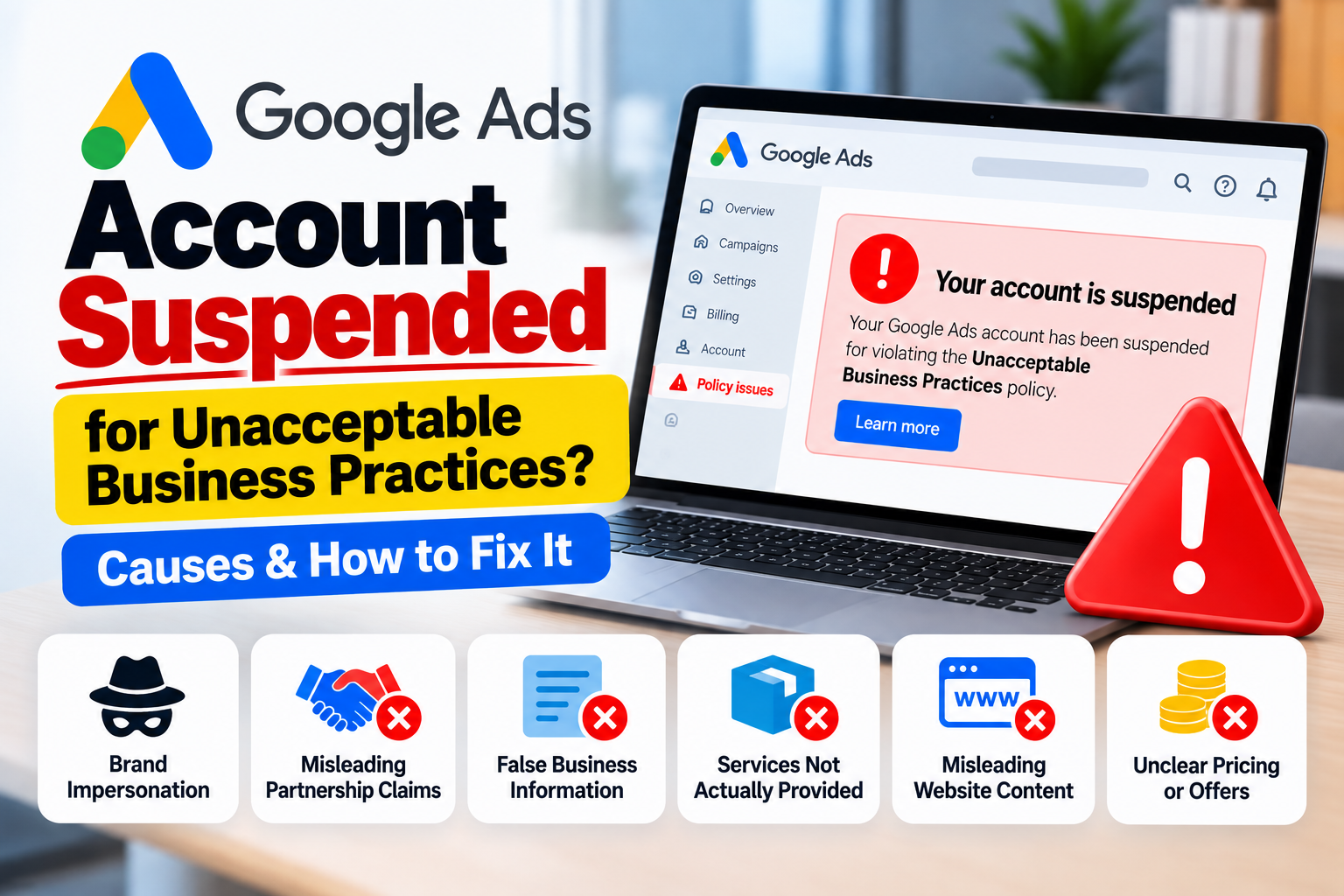
Google Ads Account Suspended for Unacceptable Business Practices? Causes and How to Fix It
Getting a Google Ads account suspension can be stressful, especially when the notification says "Unacceptable Business Practices."
This is a serious Google Ads policy issue. Google considers Unacceptable Business Practices an egregious policy violation, which means an account can be suspended without a prior warning when Google detects a serious violation.
The important thing is not to panic or immediately create another Google Ads account.
Instead, you should understand what this policy means, review your website and advertising setup, identify potential problems, correct genuine issues, and then prepare an accurate appeal.
In this guide, we explain the common reasons behind Unacceptable Business Practices suspensions and how to approach an account audit.
What Are Unacceptable Business Practices in Google Ads?
Google does not allow advertisers to hide or misrepresent important information about their business, products, or services in a way that can deceive users.
This can include making a business appear to be affiliated with another brand when it is not, offering products or services that the business cannot actually deliver, or impersonating another business or brand.
Google's policy is designed to help users understand who they are dealing with and what they are actually purchasing.
This means your Google Ads account is not evaluated only on the advertisement itself.
Google may consider your advertisement, website, account information, and other relevant information when evaluating a potential violation.
Why Does Google Ads Suspend Accounts for Unacceptable Business Practices?
There is no single reason that applies to every suspension.
Different businesses can have different issues.
Some of the common areas that should be reviewed include
- Misleading business information
- Brand impersonation
- Misleading claims about partnerships
- Offering services that the business cannot provide
- Missing or unclear business information
- Misleading representation of the business
- Phishing or deceptive websites
- False or misleading claims
- Unclear pricing or offers
- Misleading website content
Let's look at these areas in more detail.
1. Making Your Business Look Affiliated With Another Brand
One common issue is making it appear that your business is officially connected with another company when that relationship does not exist.
For example, imagine a courier company that provides shipping services using several well-known courier networks.
There is a major difference between saying
- "We provide courier services using multiple shipping networks."
and saying
"We are the official branch of Brand X."
if the second statement is not actually true.
The way your business presents its relationship with another company should be accurate.
If you are an official or authorized partner, you should be able to explain and support that relationship.
If you are not an official partner, your website and advertisements should not create the impression that you are.
Google recommends making partnerships clear and avoiding another brand's identity in a misleading way.
2. Using Another Brand's Logo or Identity in a Misleading Way
Businesses sometimes use the names, logos, colors, images, or branding of well-known companies on their websites.
Using another brand's identity does not automatically mean your account will be suspended.
The context matters.
The problem occurs when the use of another company's branding makes users believe that they are dealing directly with that company when they are actually dealing with a different business.
Before running Google Ads, review how third-party brands are presented throughout your website.
Ask yourself
Can a new visitor clearly understand which company they are actually contacting?
Does the website clearly identify my business?
Is the relationship with other brands accurately explained?
Could the design make the visitor think this is the official website of another company?
These are important questions during a compliance review.
3. Misleading Business Information
Your website should clearly explain who operates the business.
Important information should be accurate and consistent.
Review
- Business name
- Contact information
- Address or service area
- Phone number
- Email address
- About Us information
- Services
- Company information
- Business registration information where relevant
If the website gives users an unclear or misleading understanding of the actual business, it may create trust and policy concerns.
4. Offering Services You Cannot Actually Provide
Google does not allow businesses to advertise products or services that they do not have or cannot deliver.
For example, a business should not advertise a service simply because it receives search demand if it cannot actually provide that service.
Before advertising, make sure
- The service is actually available
- The website explains the service
- The business can deliver the service
- The advertisement accurately represents the service
Your advertisement, website, and actual business operation should tell the same story.
5. Misleading Claims
Another area to review is the claims made in your advertisements and website.
Avoid claims that create unrealistic or misleading expectations.
For example, statements such as
- "Guaranteed results"
- "100 percent success"
- "Lowest price guaranteed"
- "Official partner"
"Government approved"
should only be used when they are accurate and can be supported.
The wording on your website should match what your business can actually provide.
6. Unclear Pricing or Payment Information
Pricing information can also become an issue when customers are given a misleading impression about the actual cost.
For example, an advertisement may promote a very low price but important additional charges may only appear later.
Businesses should clearly communicate the pricing model and important costs that customers need to know before making a purchase or enquiry.
If your business has complicated pricing, make the pricing information as clear as possible.
7. Phishing and Deceptive Websites
Phishing is another serious area covered by Google's Unacceptable Business Practices policy.
Phishing involves attempting to obtain sensitive information by pretending to be a trusted business or service.
Examples can include fake login pages or websites designed to collect passwords, payment information, or other sensitive information by impersonating another company.
Your website should clearly represent your own business and should never attempt to trick users into believing that they are interacting with another company.
8. Missing or Unclear Business Information
A website that provides very little information about the business can create trust issues.
When reviewing your website, make sure customers can easily understand
Who are you?
What services do you provide?
Where do you operate?
How can customers contact you?
What exactly are you offering?
Why should customers trust your business?
A clear About Us page and updated contact information can help users understand the business behind the advertisement.
How We Audit a Google Ads Account Suspended for Unacceptable Business Practices
When we analyze a suspended account, we do not immediately change random settings or create a new account.
We follow a structured review process.
The process can be
- Understand → Audit → Identify → Fix → Review → Appeal
Step 1: Review the Suspension Notification
First, we identify the exact policy mentioned in the Google Ads account.
If the notification says
"Unacceptable Business Practices"
we focus the investigation on areas related to business representation, brand relationships, misleading information, services, website content, and other relevant policy concerns.
Step 2: Review the Google Ads Account
We review the account to understand its advertising history and structure.
This can include
- Campaigns
- Advertisements
- Keywords
- Assets
- Landing pages
- Destination URLs
- Previous disapprovals
- Policy notifications
- Account history
- Previous appeals
The objective is to understand the complete advertising setup.
Step 3: Audit the Website
The website is one of the most important areas to review.
We check
- Homepage
- About Us page
- Contact page
- Service pages
- Landing pages
- Phone numbers
- Email addresses
- Business information
- Privacy Policy
- Terms and Conditions
- Pricing information
- Forms
- Brand references
- Third-party logos
- Business claims
The objective is to make sure the website clearly represents the actual business.
Step 4: Review Brand Relationships
If the business works with other companies or brands, we carefully review how those relationships are presented.
For example, a courier business may work with multiple courier networks.
The website should clearly explain whether the business is
- An independent service provider
- An authorized partner
- A reseller
- A franchise
- A logistics intermediary
- Another type of legitimate business relationship
The wording should accurately describe the relationship.
If a business is an official partner, supporting evidence may be useful during an appeal.
Google specifically recommends explaining partnerships and providing proof when relevant.
Step 5: Review Domain and Website Identity
The domain should be reviewed along with the website and business identity.
For example
- Business name → ABC Courier Services
- Website → abccourier.com
Contact information → ABC Courier Services
The website should make it clear who operates the business.
A domain name by itself does not automatically mean that a business is violating Google's policy.
The important question is whether the overall website and advertising experience accurately represents the business.
Step 6: Review Advertisements
The advertisements should accurately describe what the customer will find after clicking.
For example
- Advertisement → International Courier Service
- Landing page → International Courier Service
Actual business → International Courier Service
The advertisement should not promise something that the landing page or business cannot provide.
Step 7: Review Third-Party Branding
If your website uses logos, names, images, or references to other companies, review each one carefully.
Ask
Why is this brand mentioned?
What is our relationship with this brand?
Can we prove the relationship if necessary?
Could a customer misunderstand the relationship?
Does the website clearly identify our own business?
This is particularly important for businesses that provide services involving multiple brands.
Step 8: Fix the Identified Issues
After the audit, we work on the issues that actually need correction.
The goal is not to make random changes.
For example, if the website creates confusion about a brand relationship, improve the wording and clearly explain the actual relationship.
If important business information is missing, add accurate information.
If an advertisement makes a claim that cannot be supported, correct the advertisement.
If the website contains misleading information, update it.
The corrections should be based on the actual findings.
Step 9: Review Everything Again
After making changes, perform another review.
Check
- Website
- Ads
- Landing pages
- Business information
- Brand references
- Contact details
- Domain
- Destination URLs
- Verification information
This second review helps ensure that the website and advertising setup are consistent.
How to Appeal a Google Ads Unacceptable Business Practices Suspension
If you believe the suspension is an error or you have addressed the relevant issues, Google provides an appeal process through the Google Ads account.
Google's current guidance says advertisers should use the Contact Us link in the suspension notification to access the appeal process.
An appeal should be
- Accurate
- Honest
- Specific
- Relevant
- Based on the actual situation
Do not submit an appeal containing information that is not true.
For example, do not claim that you are an official partner of a company if you cannot support that relationship.
If you are an official partner, explain the partnership and provide relevant supporting information when appropriate.
Google also says that some advertisers may need to complete advertiser verification before appealing.
What Should You Include in Your Appeal?
The exact information depends on the situation.
However, a useful appeal can explain
- What your business does
- Who operates the business
- What services you provide
- Your relationship with other brands
- What you reviewed
- What issues you identified
- What you corrected
- Why you believe the account should be reviewed
The appeal should be based on facts rather than emotional statements.
What You Should Not Do After a Suspension
If your account is suspended, avoid making the situation more complicated.
Do not
- Create multiple new accounts to bypass the suspension
- Pretend to be another business
- Claim partnerships that do not exist
- Use another company's branding in a misleading way
- Submit false business information
- Submit altered documents
- Make unsupported claims
- Hide important information
- Use a new website simply to avoid fixing the original problem
- Submit repeated appeals without reviewing the underlying issue
The objective should be to resolve the actual problem.
Can an Unacceptable Business Practices Suspension Be Recovered?
There is no guaranteed method to recover every suspended Google Ads account.
Google states that accounts suspended under egregious policies are only reinstated in compelling circumstances, such as when there has been a mistake.
This means no agency, freelancer, consultant, or third party can honestly guarantee that Google will reinstate a particular account.
What you can do is make sure the account and website have been properly reviewed, genuine issues have been corrected, and the appeal contains accurate information.
Google makes the final decision.
- Google Ads Suspension Audit Checklist
Before submitting an appeal, review the following
- Suspension reason identified
- Google Ads account reviewed
- Campaigns reviewed
- Advertisements reviewed
- Landing pages reviewed
- Website audited
- Business name checked
- Contact information checked
- About Us page reviewed
- Service information reviewed
- Brand relationships reviewed
- Third-party logos reviewed
- Domain reviewed
- Destination URLs checked
- Pricing information reviewed
- Advertiser verification reviewed
- Genuine issues corrected
- Website reviewed again
- Appeal information prepared accurately
Final Thoughts
An Unacceptable Business Practices suspension is not something that should be treated like a normal advertisement disapproval.
The problem may involve the way a business is represented, how another brand is referenced, what services are being advertised, how information is presented on the website, or whether customers could be misled about the business.
That is why the right approach is not simply to create a new Google Ads account.
First understand the suspension.
Then audit the account and website.
Identify the potential problem.
Fix genuine issues.
Review the complete advertising setup.
Prepare an accurate appeal.
If your Google Ads account has been suspended for Unacceptable Business Practices, we can help you review the Google Ads account, website, domain, business information, branding and advertising setup to identify areas that may need attention before an appeal.
No suspension recovery service can guarantee reinstatement because the final decision is made by Google. The goal of an audit is to help you understand the potential issues and prepare a more accurate and compliant advertising setup.

Yash Deliwala
Google Ads Freelancer and PPC Consultant based in India. Specializing in high-intent Search campaigns, Performance Max, lead generation, and conversion tracking for businesses across India.
Want to Scale Your Business with Google Ads?
Get direct campaign planning, Search ad setup, and lead optimization with Yash Deliwala.
Chat with Yash on WhatsApp