.jpeg)
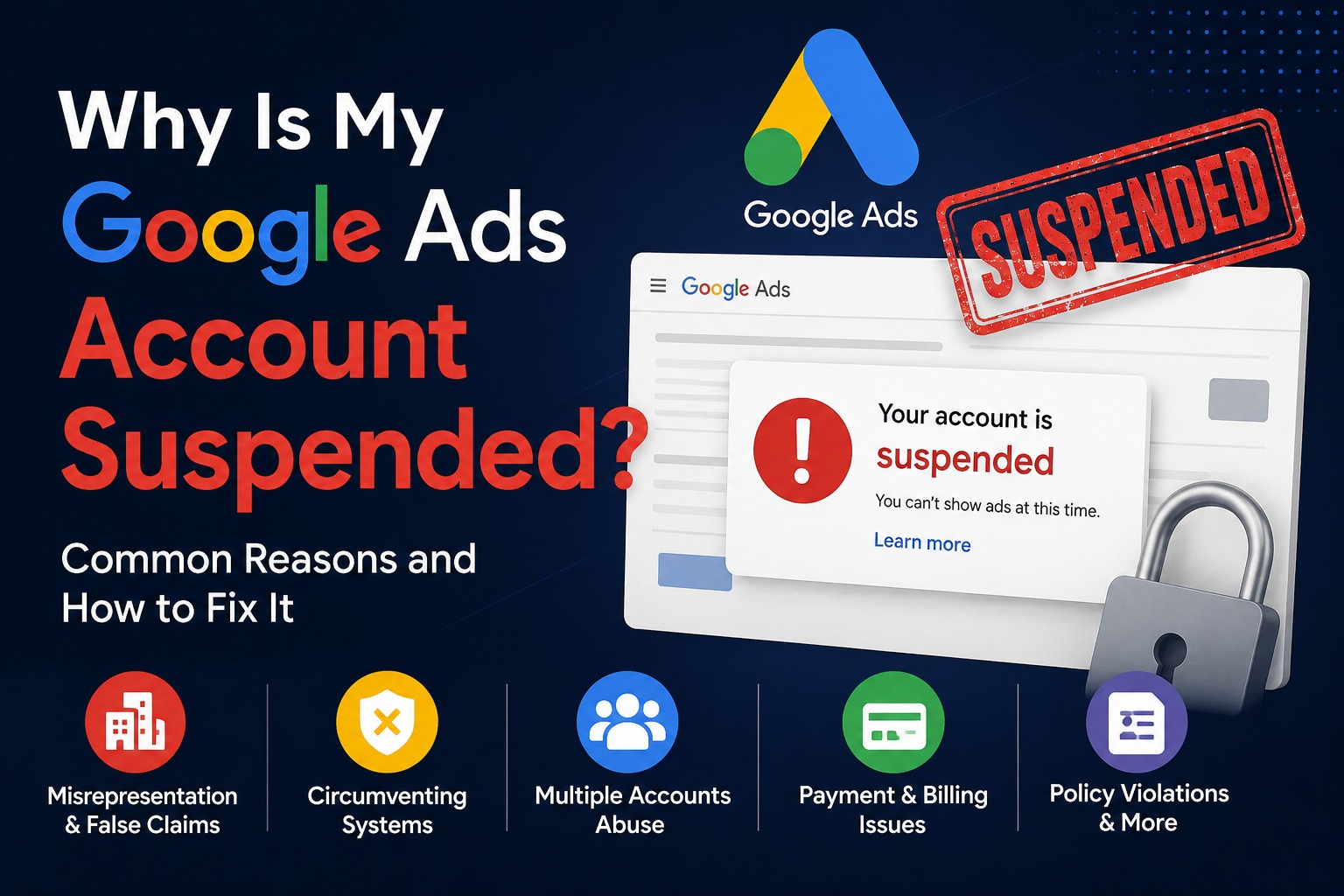
Why Is My Google Ads Account Suspended?
Seeing a Google Ads account suspended notification can be stressful, especially when Google does not clearly explain exactly what happened.
Many advertisers receive a general policy message such as “Circumventing Systems,” “Misrepresentation,” or “Suspicious Payment Activity.” The problem is that these notifications do not always explain the exact action, website element or account activity that triggered the suspension.
As a result, many business owners are left asking
Why was my Google Ads account suspended?
What policy did I violate?
Can my Google Ads account be recovered?
Should I create another Google Ads account?
Can I continue advertising using another account?
The answer depends on the specific reason behind the suspension.
Google Ads accounts can be suspended for violations of advertising policies, billing and payment issues, account security concerns and other serious violations. In some cases, related accounts may also be affected.
In this article, we will explain some of the most common reasons why a Google Ads account can be suspended and what you should do before submitting an appeal.
1. Misrepresenting Your Business or Claiming an Affiliation You Do Not Have
One of the serious issues that can cause problems with a Google Ads account is misrepresentation.
Your website and advertisements should clearly explain
- Who you are
- What your business does
- What services or products you provide
- Whether you are affiliated with another company or brand
What qualifications or authorisations you actually have
For example, you should not make your website appear to be the official website of a brand, company or organisation if you are not actually affiliated with it.
You should also not imply that another brand has authorised, endorsed or partnered with your business when that relationship does not exist.
Google specifically prohibits making it appear that you are affiliated with another brand or organisation when you are not. It also expects advertisers to provide accurate information about their identity, services and qualifications.
What You Should Check
Before running Google Ads, review your website carefully.
Ask yourself
Is my business name accurate?
Is my contact information clearly displayed?
Does my website clearly explain what my company does?
Am I using another company's branding in a misleading way?
Am I claiming to be an official partner when I cannot prove that relationship?
Am I offering services that I am not qualified or authorised to provide?
If you are an authorised partner or reseller, make the relationship clear and be prepared to provide evidence when necessary.
2. Circumventing Google Ads Systems
Circumventing Systems is one of the most serious Google Ads policy issues.
Google does not allow advertisers to attempt to bypass its advertising policies, review processes or enforcement systems.
This can include attempting to create new accounts after a suspension in order to continue advertising.
For example, if one Google Ads account is suspended and the advertiser simply creates another account to continue running the same advertising activity, the new account may also be suspended.
Google states that related accounts can also be affected by a suspension, and new accounts created by a suspended advertiser may be suspended as well.
- Common Issues That Can Raise Concerns
Depending on the situation, concerns may involve
- Creating new accounts after a previous suspension
- Repeated policy violations
- Trying to bypass ad review or enforcement systems
- Using deceptive techniques to hide non-compliant content
- Providing false information during verification
Attempting to use another account after being suspended
The safest approach is not to create a new account simply to escape a suspension. Instead, identify the original problem and follow Google's appeal process.
3. Multiple Google Ads Accounts and Related Accounts
Many advertisers misunderstand the multiple-account issue.
Simply owning or managing more than one Google Ads account is not necessarily the entire story. The serious problem is multiple account abuse, particularly when multiple accounts are used to bypass enforcement or continue advertising after a suspension.
Google advises advertisers with multiple accounts to ensure that the accounts are connected to legitimate businesses and that they follow Google's policies. It also warns against creating accounts to bypass suspensions.
This means you should carefully review
- Old Google Ads accounts
- Inactive or cancelled accounts
- Accounts connected to the same business
- Linked manager accounts
- Accounts sharing business relationships
Accounts connected to suspended advertising activity
Do not assume that creating a fresh Google Ads account will solve the problem.
If the underlying suspension has not been resolved, creating another account can potentially make the situation more complicated.
4. Suspicious Payment Activity
Google Ads accounts can also be suspended because of billing and payment issues.
Common reasons can include
- Unpaid balances
- Declined payments
- Suspicious payment activity
- Chargebacks
- Promotional code abuse
Concerns regarding payment method ownership
Google may also request payment or identity verification in certain situations.
For example, suddenly changing payment methods multiple times or having unclear ownership of a payment method can potentially create payment-related concerns.
- What to Check
Review your
- Payment method
- Billing profile
- Outstanding balance
- Previous chargebacks
- Payment history
Advertiser verification status
Make sure the information connected to your Google Ads account is accurate and consistent.
5. Providing False or Misleading Information During Verification
Google may ask advertisers to complete advertiser verification.
If Google requests documents or business information, those details should be accurate and authentic.
Providing false or fraudulent information during advertiser verification can result in serious consequences, including suspension.
Before submitting verification documents, carefully check that
- Your legal name is correct
- Your business information is accurate
- Your documents are authentic
- Your relationship to the advertised business is clear
Your business details match the information you are providing
Do not submit manipulated or false documents.
6. Your Website Makes Misleading or Unrealistic Claims
Your advertisements are not the only thing that Google may review.
Your website and landing pages also matter.
For example, be careful about making claims such as
- Guaranteed results
- Guaranteed #1 position
- 100% success rate
- Results that cannot realistically be guaranteed
Claims that hide important limitations or conditions
Google's policies require advertising to be clear and honest. The information on your landing page should accurately represent your actual business, product or service.
This is especially important for businesses operating in sensitive industries.
7. Advertising Products or Services That Violate Google Ads Policies
Google Ads has different rules for products and services.
Some products and services are not allowed. Others may be restricted and require advertisers to meet additional requirements before advertising.
Google explains that unacceptable products and services cannot be promoted, while restricted products and services may be subject to specific advertising limitations or requirements.
Before launching a campaign, review whether your business category has
- Certification requirements
- Verification requirements
- Country-specific restrictions
- Licensing requirements
Advertising limitations
Ignoring these requirements can lead to ad disapprovals and, in serious cases, account-level action.
8. Repeated Policy Violations
Not every Google Ads policy issue immediately results in a permanent account suspension.
For some policy violations, Google can use a warning and strike-based enforcement process. Repeated violations can lead to progressively more serious penalties.
This is why you should never ignore repeated ad disapprovals.
If Google repeatedly tells you that something violates a policy, do not simply create another version of the same advertisement without fixing the actual issue.
Instead
- Understand the policy
- Review the affected advertisement
- Review the landing page
- Fix the underlying problem
- Appeal only when you believe the decision is incorrect
Why Google Sometimes Does Not Give You a Specific Explanation
This is one of the most frustrating parts of a Google Ads suspension.
You may receive a broad policy category but still not know exactly which website page, advertisement or account activity caused the problem.
Advertisers in Google Ads communities and Reddit discussions frequently report receiving general suspension messages and having difficulty identifying the exact trigger. Community experiences often involve concerns about multiple accounts, previous account history and related advertising activity, although these discussions are anecdotal and should not be treated as official Google explanations.
That is why you need to investigate the complete advertising setup instead of focusing only on the most recent ad you created.
You may need to review
- Your Google Ads account history
- Previous Google Ads accounts
- Your website
- Landing pages
- Business information
- Payment information
- Advertiser verification
- Brand names used on the website
- Claims made in advertisements
Policy warnings and previous disapprovals
What Should You Do When Your Google Ads Account Is Suspended?
If your account has been suspended, do not panic and immediately create a new account.
Instead, follow a structured approach.
Step 1: Read the Suspension Notification Carefully
Check the email and in-account notification.
Look for the policy category mentioned in the suspension.
Step 2: Review Your Entire Website
Do not only check your homepage.
Review
- About Us page
- Contact page
- Service pages
- Landing pages
- Brand references
- Claims and guarantees
- Pricing information
Business identity
Make sure your business is clearly represented.
- Step 3: Review Your Previous Google Ads Accounts
Check whether you have
- Old accounts
- Cancelled accounts
- Suspended accounts
- Accounts connected through a manager account
Accounts related to the same advertising activity
Understanding your complete account history can be important when investigating the suspension.
Step 4: Check Billing and Payment Information
Make sure your payment information is legitimate, accurate and properly authorised.
Check for
- Outstanding balances
- Declined payments
- Chargebacks
- Payment verification requests
Step 5: Complete Any Required Verification
If Google requests advertiser or payment verification, follow the instructions carefully and submit accurate information.
Step 6: Fix the Actual Problem Before Appealing
Do not submit repeated appeals without investigating the underlying issue.
Google recommends providing a thorough, accurate and honest explanation when appealing an account suspension.
Can a Suspended Google Ads Account Be Recovered?
In some situations, yes.
However, recovery depends on the reason for the suspension and whether the issue can be resolved or the suspension was made in error.
Every suspension should be investigated individually.
The most important thing is to understand that an appeal is not magic.
Simply writing
My account is suspended. Please activate it.
is usually not a strong approach.
You should first understand the possible issue and then provide relevant information in your appeal.
Google's official guidance states that accounts are reinstated in compelling circumstances, so suspension appeals should be thorough, accurate and honest.
How We Help With Google Ads Account Suspensions
We have worked with suspended Google Ads accounts and understand how confusing the suspension process can be.
In many cases, the biggest challenge is that advertisers receive a general policy response but do not know exactly where the problem exists.
We can help review your
- Google Ads account structure
- Suspension notification
- Website and landing pages
- Business information
- Brand references
- Advertising claims
Policy-related concerns
We cannot guarantee that every Google Ads account can be recovered. Nobody should promise a guaranteed reinstatement.
However, we can help you understand the possible reasons behind the suspension and suggest areas that may require attention before you submit an appeal.
Final Thoughts
A Google Ads account suspension should not be ignored.
The biggest mistake advertisers make is trying to quickly create another account and continue advertising without understanding the original problem.
Instead, take a step back.
Review your
- Website
- Business information
- Advertising claims
- Brand affiliations
- Payment information
- Verification details
- Previous Google Ads accounts
Policy history
Google Ads requires advertisers to be careful about what they claim, what they advertise and how they represent their business.
Your advertisements and website should clearly represent your real business and the services you actually provide.
If your Google Ads account has been suspended and you are struggling to understand the possible reason, contact us for a review. We can help you analyse the situation and identify potential issues before you take your next step.

Yash Deliwala
Google Ads Freelancer and PPC Consultant based in India. Specializing in high-intent Search campaigns, Performance Max, lead generation, and conversion tracking for businesses across India.
Want to Scale Your Business with Google Ads?
Get direct campaign planning, Search ad setup, and lead optimization with Yash Deliwala.
Chat with Yash on WhatsApp