.jpeg)
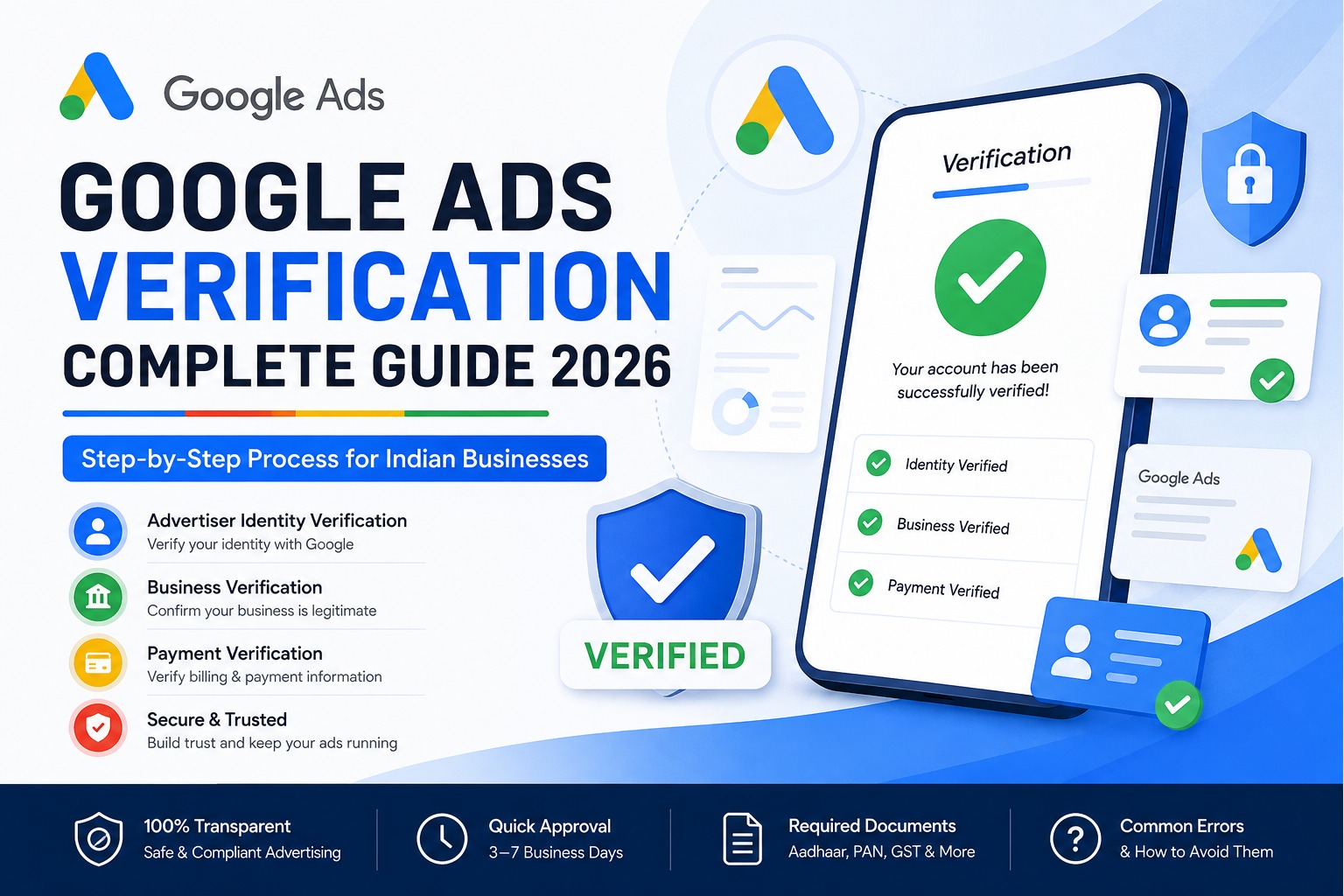
Google Ads Verification: Complete Step-by-Step Guide for Indian Businesses (2026)
If you've received a notification in your Google Ads account asking you to verify your identity or business, don't ignore it. Google has made verification mandatory for many advertisers to improve transparency and reduce fraudulent advertising.
In this guide, you'll learn everything about Google Ads verification in simple language.
What is Google Ads Verification?
Google Ads Verification is a process where Google confirms that you are a real advertiser or a legitimate business.
Once verified
Your ads continue running without interruption.
Users can view verified advertiser information.
Your account becomes more trustworthy.
You avoid future policy-related issues.
Why Does Google Ask for Verification?
Google verifies advertisers to
- Prevent scams and fake businesses
- Protect users from misleading ads
- Improve advertising transparency
- Comply with government regulations
- Types of Google Ads Verification
1. Advertiser Identity Verification
Google verifies the identity of the individual or company running the ads.
Usually required documents
- Aadhaar Card
- Passport
- Driving License
- PAN Card (in some cases)
2. Business Verification
Google confirms your business is legally registered.
Documents may include
- GST Certificate
- Udyam Registration
- Company Registration Certificate
- Business License
- Partnership Deed
- Utility Bill
3. Payment Verification
Google may verify
- Billing address
- Payment method
Tax information
When Does Google Ask for Verification?
Google may request verification if
You create a new account.
Your account spends significant money.
You advertise in sensitive industries.
Google detects unusual activity.
Random verification is triggered.
- How to Complete Google Ads Verification
Step 1
Log in to your Google Ads account.
Step 2
Open Billing → Advertiser Verification (or click the notification shown in your account).
- Step 3
Choose whether you're advertising as
- Individual
Organization
Select the correct option carefully.
Step 4
Fill in your business information exactly as it appears on your official documents.
Include
- Business name
- Address
- Country
- Website
- Contact details
Step 5
Upload the requested documents.
Ensure
Documents are clear.
All corners are visible.
Text is readable.
No edits or watermarks.
Step 6
Submit your verification request.
Google usually reviews it within 3–7 business days, although some cases may take longer.
- Documents Required in India
Depending on your account, Google may request
- Aadhaar Card
- PAN Card
- Passport
- GST Certificate
- Udyam Certificate
- Certificate of Incorporation
- Utility Bill
- Business Registration Certificate
Common Reasons for Verification Failure
Many advertisers face rejection because of simple mistakes.
Common issues include
Business name doesn't match documents.
Address mismatch.
Blurry document uploads.
Expired documents.
Wrong document type.
Incorrect business information.
Website information doesn't match business details.
What Happens If You Don't Verify?
If verification is not completed before Google's deadline
Ads stop running.
Campaigns are paused.
New ads cannot be created.
Your account may be restricted until verification is completed.
Tips for Successful Verification
Frequently Asked Questions
How long does Google Ads verification take?
Most verification requests are completed within 3–7 business days.
Is Google Ads verification mandatory?
Yes. If Google requests verification, you must complete it before the deadline to keep your ads running.
Can I verify using Aadhaar?
Yes. Depending on your account type and Google's requirements, Aadhaar may be accepted as a valid identity document.
What if my verification is rejected?
Review the rejection reason, correct the information or upload the correct documents, and resubmit your verification request.
Does verification improve ad performance?
Verification itself does not improve ad rankings, but it helps maintain account trust and ensures your campaigns continue running without interruption.
Final Thoughts
Google Ads verification is an essential step for maintaining a healthy advertising account. Whether you're a freelancer, small business owner, or large company, completing the verification process correctly helps prevent interruptions and builds trust with potential customers.
Keep your business details accurate, upload clear documents, and complete verification before the deadline to avoid account restrictions.

Yash Deliwala
Google Ads Freelancer and PPC Consultant based in India. Specializing in high-intent Search campaigns, Performance Max, lead generation, and conversion tracking for businesses across India.
Want to Scale Your Business with Google Ads?
Get direct campaign planning, Search ad setup, and lead optimization with Yash Deliwala.
Chat with Yash on WhatsApp