.jpeg)
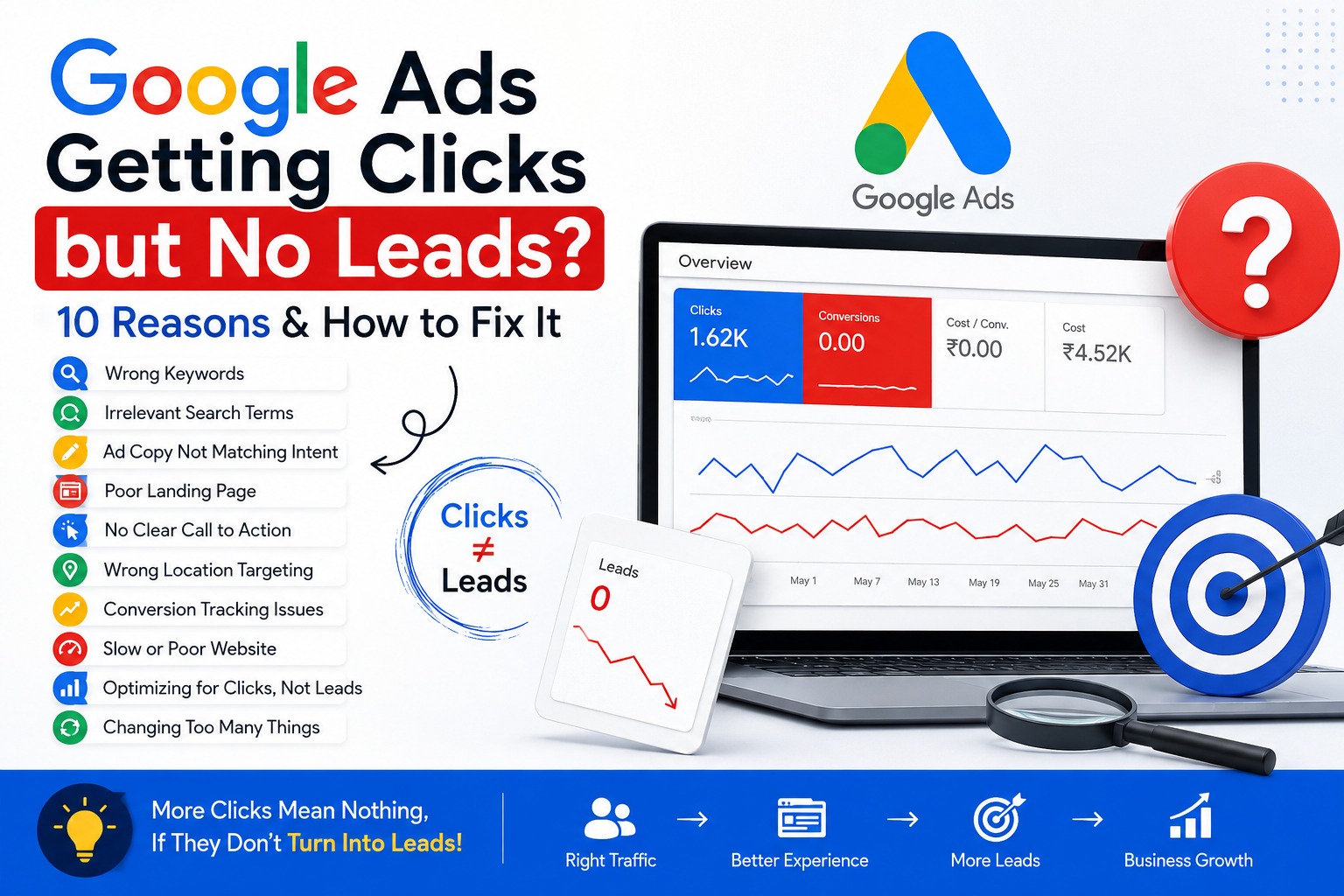
Google Ads Getting Clicks but No Leads? 10 Reasons and How to Fix It
Running Google Ads but getting clicks without actual leads can be frustrating. You see impressions, clicks and website visitors in your Google Ads account, but your phone isn't ringing and your WhatsApp isn't receiving inquiries.
The good news is that getting clicks means your ads are attracting attention. The problem is usually somewhere between the search query, your advertisement, landing page, targeting, and conversion tracking.
In this guide, we'll look at 10 common reasons why Google Ads are getting clicks but no leads and what you can do to fix them.
1. You Are Targeting the Wrong Keywords
One of the biggest reasons Google Ads campaigns get clicks but no leads is poor keyword targeting.
For example, imagine you provide premium website development services. If you target broad keywords such as "website" or "web development," you may receive clicks from people looking for tutorials, jobs, courses or general information.
These visitors may not be ready to become customers.
Instead, focus on keywords with strong commercial intent, such as
- website development company
- hire website developer
- website development services
business website development
The goal isn't simply to get more clicks. The goal is to get relevant clicks from people who are likely to become customers.
2. Your Search Terms Are Not Relevant
Even if your keywords look correct, the actual search terms triggering your ads may be different.
Check the Search Terms report in Google Ads regularly.
Look for searches that are
- Completely unrelated to your service
- Informational rather than commercial
- Looking for jobs or courses
- Looking for free solutions
Outside your service area
Add irrelevant searches as negative keywords when appropriate.
This can help reduce wasted clicks and improve the quality of your traffic.
3. Your Ad Copy Does Not Match Search Intent
A person clicks your ad because they expect to find something specific.
If the search query says
- "Google Ads agency for dentists"
but your advertisement simply says
"Digital Marketing Services | Grow Your Business"
the ad may not clearly communicate that you provide exactly what the person is searching for.
Your ad copy should match the user's intent.
Mention relevant
- Services
- Location
- Benefits
- Offers
- Unique selling points
- Calls to action
For example
- Google Ads Management for Dentists
- Get More Qualified Patient Enquiries
Book a Free Consultation
The closer the message is to the user's search intent, the better the chance of conversion.
4. Your Landing Page Is Not Designed for Conversions
Getting someone to your website is only half the job.
Your landing page has to convince them to take action.
If users click your advertisement and land on a confusing homepage with too many options, they may leave without contacting you.
A good landing page should clearly answer
What do you offer?
Who is it for?
Why should I choose you?
What should I do next?
Make your primary CTA easy to find.
Examples include
- Get a Free Quote
- Call Now
- WhatsApp Us
- Book a Consultation
Request a Callback
Your landing page should make the next step obvious.
5. There Is No Strong Call to Action
Sometimes the problem is surprisingly simple: visitors don't know what to do next.
Don't assume that someone will automatically contact you.
Tell them.
Instead of ending your page with generic text such as
- "Thank you for visiting our website."
Try
Want More Leads From Google Ads?
Contact us today for a free campaign consultation.
A clear CTA can make a significant difference to your conversion rate.
6. Your Location Targeting Is Wrong
If you operate locally, location targeting is extremely important.
Imagine you provide services only in Surat, but your campaign receives clicks from people across India.
You could be paying for traffic that has little chance of becoming a customer.
Review your location settings and make sure your campaign is targeting the locations where you actually provide your service.
For local businesses, a smaller number of highly relevant clicks can be much more valuable than hundreds of irrelevant clicks.
7. Your Conversion Tracking Is Not Working
This is one of the most important things to check before deciding that your Google Ads campaign isn't generating leads.
You may actually be receiving leads, but Google Ads might not be recording them correctly.
Depending on your business, you may want to track
- Contact form submissions
- Phone calls
- WhatsApp clicks
- Appointment bookings
- Quote requests
Purchases
If conversion tracking isn't configured properly, your Google Ads data can give you the wrong picture.
Before changing your campaign strategy, verify that your conversions are being recorded correctly.
8. Your Website Is Too Slow or Difficult to Use
A person who clicks your advertisement expects the website to load quickly.
If your page takes too long to load, especially on mobile devices, potential customers may leave before they even see your offer.
Check
- Mobile speed
- Page loading time
- Broken buttons
- Contact forms
- WhatsApp links
- Phone numbers
- Navigation
Overall user experience
Remember: you are paying for the click.
Don't waste that click by sending the user to a poor website experience.
9. You Are Optimizing for Clicks Instead of Business Results
Getting a high CTR can feel good, but clicks alone don't pay your bills.
The real question is
Are those clicks generating customers?
For lead generation campaigns, you should pay attention to metrics such as
- Conversions
- Conversion rate
- Cost per conversion
- Qualified leads
- Cost per qualified lead
Return on ad spend where applicable
A campaign with 500 clicks and zero leads is not necessarily better than a campaign with 100 clicks and 10 qualified leads.
Quality matters more than volume.
10. You Changed Too Many Things Too Quickly
Another common mistake is constantly changing the campaign.
You change keywords today.
Tomorrow you change the bidding strategy.
The next day you change the ads.
Then you change the budget.
This makes it difficult to understand what is actually working.
Instead, make controlled changes and give your campaign enough time and data to evaluate the impact.
Test one important variable at a time whenever possible.
How to Fix Google Ads That Get Clicks but No Leads
If your Google Ads campaign is getting clicks but not leads, don't immediately increase the budget.
Start with an audit.
Step 1: Check your search terms
Find out exactly what people are searching before clicking your ads.
Step 2: Review your keywords
Remove or reduce keywords that consistently attract irrelevant traffic.
Step 3: Improve your advertisements
Make your headlines and descriptions more relevant to the searcher's intent.
Step 4: Improve your landing page
Make your offer, benefits and CTA immediately visible.
Step 5: Check conversion tracking
Make sure forms, calls, WhatsApp clicks and other important actions are being tracked correctly.
Step 6: Check your location targeting
Make sure you're paying for traffic from people you can actually serve.
Step 7: Compare leads, not just clicks
Your final goal should be qualified leads and customers, not simply a high number of clicks.
Final Thoughts
Google Ads is not simply about getting people to click your advertisement.
The complete journey looks like this
Search → Ad → Click → Landing Page → Action → Lead → Customer
If something breaks at any point in this journey, your campaign can spend money without producing results.
So if your Google Ads are getting clicks but no leads, don't immediately assume that Google Ads doesn't work.
Find the weak point in the funnel, fix it, measure the result, and then optimize the campaign.
A well-structured Google Ads campaign combined with relevant targeting, strong ad copy, a conversion-focused landing page and accurate tracking can turn paid traffic into real business opportunities.
Need help improving your Google Ads campaigns?
If you're spending money on Google Ads but not getting enough qualified enquiries, a proper campaign audit can help identify where your budget is being wasted and what needs to be improved.

Yash Deliwala
Google Ads Freelancer and PPC Consultant based in India. Specializing in high-intent Search campaigns, Performance Max, lead generation, and conversion tracking for businesses across India.
Want to Scale Your Business with Google Ads?
Get direct campaign planning, Search ad setup, and lead optimization with Yash Deliwala.
Chat with Yash on WhatsApp