.jpeg)
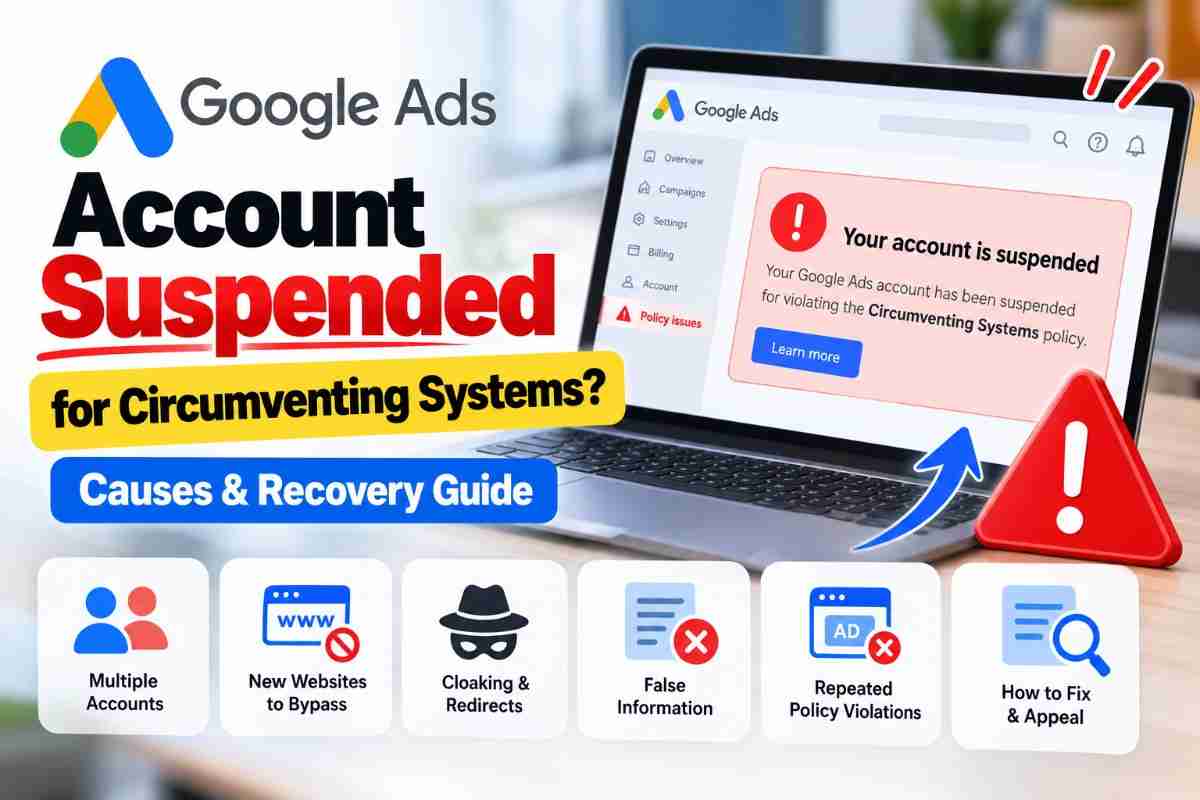
# Google Ads Account Suspended for Circumventing Systems? Causes and Recovery Guide
Getting your Google Ads account suspended can be frustrating, especially when the suspension reason says "Circumventing Systems."
This is a serious Google Ads policy issue. It can prevent your advertisements from running and may require you to review your account, website, business information, and advertising setup before submitting an appeal.
In this guide, we explain what Circumventing Systems means, why Google Ads accounts may be suspended for this policy, what you should check, how to fix potential issues, and how to prepare a proper suspension appeal.
What Is Circumventing Systems in Google Ads?
Circumventing Systems refers to practices that attempt to bypass, interfere with, or manipulate Google's advertising systems, policies, or review processes.
Google may consider information from your advertisements, website, Google Ads accounts, and other relevant sources when evaluating a potential violation.
This means that a suspension may not be caused by only one advertisement.
Google may look at the broader advertising setup to understand whether an advertiser is attempting to bypass its policies or enforcement systems.
Why Does Google Ads Suspend Accounts for Circumventing Systems?
There are several situations that can potentially lead to this type of suspension.
Understanding these situations is important before submitting an appeal.
1. Creating a New Google Ads Account After a Suspension
One of the biggest mistakes an advertiser can make is creating another Google Ads account after an existing account has been suspended.
For example
- Account A → Suspended
Then
New Gmail → New Google Ads Account → Same or similar business → Start advertising again
Creating another account to get around an existing suspension can itself be considered Circumventing Systems.
If your account has been suspended, creating multiple new accounts is generally not the right way to solve the problem.
Instead, investigate the original suspension and use the appropriate appeal process.
2. Creating New Websites to Bypass Disapprovals
Changing your website does not automatically solve a Google Ads policy problem.
For example, suppose a website is rejected because of a policy issue.
Instead of fixing the original problem, an advertiser creates another website with substantially similar content and starts advertising through another account.
This can potentially be viewed as an attempt to bypass Google's enforcement.
Before changing your domain or creating a new website, first understand why the original website or advertising setup was rejected.
3. Using Multiple Accounts to Avoid Policy Enforcement
Having multiple Google Ads accounts is not automatically a policy violation.
Businesses can have legitimate reasons for operating multiple accounts.
However, problems can arise when multiple accounts are used to spread policy violations or avoid enforcement actions.
For example
- Account A → Policy violations
- Account B → Similar advertisements
Account C → Similar website
If these accounts are being used to avoid Google's enforcement systems, the overall setup can create a serious policy concern.
This is why a suspension audit should consider related accounts instead of looking at only one campaign.
4. Cloaking and Suspicious Redirects
Cloaking is another important area to investigate when dealing with a Circumventing Systems suspension.
In simple terms, cloaking can involve showing different content to Google's review systems than what normal users see.
For example
- Google crawler → Compliant landing page
Normal visitor → Different or prohibited destination
Another area to check is the redirect path.
For example
Google Ad → Tracking URL → Redirect → Final Landing Page
You should review the complete journey and make sure users are being sent to the legitimate destination associated with the advertisement.
Legitimate tracking and redirects are not automatically a violation. The important question is whether redirects or other techniques are being used to hide policy-violating content or manipulate Google's review process.
5. False or Inaccurate Advertiser Verification Information
Google may ask advertisers to verify their identity or business information.
The information submitted during verification should be genuine and accurate.
Potential problems can include
- Incorrect business information
- False identity information
- Altered documents
- Misleading information
- Business details that do not match the actual advertiser
If Google requests verification, provide accurate information and genuine documents.
Do not modify documents or provide information simply to pass the verification process.
6. Repeated Policy Violations
Repeated policy violations can also become an important part of a suspension investigation.
For example, an advertiser may repeatedly create new campaigns, websites, or accounts after advertisements have been rejected instead of fixing the underlying problem.
In this situation, simply editing one advertisement may not resolve the broader issue.
A complete review of the advertising setup may be necessary.
# How to Check What Caused Your Google Ads Suspension
If your account has been suspended, do not immediately create another account.
Start by reviewing the information available in your Google Ads account.
Check
- Suspension notification
- Policy violations
- Disapproved advertisements
- Previous policy warnings
- Landing pages
- Destination URLs
- Website redirects
- Website content
- Business information
- Advertiser verification
- Previous Google Ads accounts
- Manager Account relationships
- Previous appeals
- Billing information
The objective is to understand what may have triggered the suspension before submitting an appeal.
# Our Google Ads Suspension Audit Process
A proper Google Ads suspension audit should not focus only on the campaign dashboard.
The account, website, business information, and advertising setup should be reviewed together.
Step 1: Review the Suspension Notification
First, identify the exact reason shown by Google.
If the notification says
Circumventing Systems
then the audit should focus on potential attempts to bypass Google's advertising policies, review systems, or enforcement mechanisms.
Do not assume that the suspension was caused by one specific advertisement without reviewing the broader setup.
Step 2: Audit the Google Ads Account
Review the account for
- Previous disapprovals
- Policy violations
- Suspended campaigns
- Ad history
- Account changes
- Previous appeals
- Account relationships
- Manager Account relationships
- Connected advertising accounts
The purpose is to understand the account history and identify patterns that may require attention.
Step 3: Audit the Website
Your website is an important part of your Google Ads advertising setup.
Review the following pages and elements
- Homepage
- Landing pages
- About Us page
- Contact page
- Privacy Policy
- Terms and Conditions
- Product or service information
- Contact details
- Phone numbers
- Forms
- Business information
- Pricing information where applicable
- Destination URLs
Make sure the website clearly represents the actual business, products, or services being advertised.
Step 4: Check Redirects and Destination URLs
Follow the complete customer journey.
For example
Google Ad → Final URL → Redirect → Landing Page → Conversion Page
Check whether the final destination is the expected website and whether any unexpected redirects occur.
Also check whether the website contains suspicious scripts, unwanted content, or signs of compromise.
A website can sometimes be affected by malicious code or unwanted changes without the business owner intentionally adding them.
Step 5: Review Other Google Ads Accounts
If the business has multiple Google Ads accounts, review their purpose and relationship.
Check for
- Previous suspended accounts
- Duplicate accounts
- Manager Accounts
- Accounts operated by employees
- Accounts operated by agencies or freelancers
- Previous advertising accounts
- Accounts using the same website
- Accounts using the same business information
Having multiple accounts is not automatically a violation.
The important thing is to understand whether any account is being used to bypass a suspension or policy enforcement.
Step 6: Review Advertiser Verification
Check whether your advertiser information is accurate and consistent.
Review
- Business name → Actual business
- Website → Actual business
- Business documents → Genuine documents
- Identity information → Accurate information
Contact information → Genuine business contact information
If Google requests verification, provide the information and documentation requested by Google.
# How to Fix a Circumventing Systems Suspension
There is no universal technical fix that guarantees reinstatement.
The correct solution depends on what caused the suspension.
A useful approach is
Identify → Audit → Fix → Document → Appeal
For example, if the audit discovers an unexpected redirect, investigate and correct the redirect.
If the website has been compromised, secure the website and remove unwanted content.
If incorrect business information was submitted, correct the information.
If multiple accounts were created to bypass a previous suspension, stop creating additional accounts and address the original suspension through the appropriate process.
The goal is to fix the underlying problem rather than simply trying to get another account approved.
# How to Prepare a Google Ads Suspension Appeal
After reviewing and correcting genuine issues, you can use the appeal process available through your Google Ads account.
A good appeal should be
- Accurate
- Honest
- Specific
- Clear
- Relevant to the suspension
- Based on actual changes or findings
Avoid submitting a very short appeal such as
"Please unsuspend my account. I have not done anything wrong."
Instead, explain what you reviewed and what you found.
For example
We reviewed our Google Ads account, website, destination URLs, redirects, business information, advertiser verification information, and connected advertising accounts. We identified and corrected the issues found during our review and have reviewed our advertising setup to ensure that our campaigns comply with Google Ads policies.
Only include statements that are actually true for your business.
Do not claim that you fixed something if you did not actually fix it.
# What You Should NOT Do After a Google Ads Suspension
After receiving a Circumventing Systems suspension, avoid actions that could make the situation more complicated.
Do not
- Create multiple new Google Ads accounts to bypass the suspension
- Use another person's account to continue the same advertising activity
- Create duplicate websites simply to bypass a previous disapproval
- Submit false verification information
- Upload modified or misleading documents
- Use misleading redirects
- Hide policy-violating content from Google's review systems
- Submit repeated appeals without investigating the issue
- Change random account information without understanding the reason for the suspension
The goal should be to resolve the original issue instead of trying to work around Google's enforcement.
# Can a Circumventing Systems Suspension Be Recovered?
A Circumventing Systems suspension should be treated as a serious Google Ads policy issue.
Google does not guarantee reinstatement simply because an advertiser submits an appeal.
In some situations, an account may be reinstated if Google determines that the suspension was made in error or if the relevant circumstances support reinstatement.
However, there is no legitimate method that can guarantee recovery of every suspended Google Ads account.
The best approach is to review the account carefully, identify genuine issues, correct them, provide accurate information, and submit a clear appeal.
# Google Ads Suspension Audit Checklist
Before submitting your appeal, review the following checklist
- Suspension reason identified
- Google Ads account reviewed
- Previous policy violations reviewed
- Website audited
- Landing pages reviewed
- Destination URLs checked
- Redirects checked
- Website security checked
- Business information verified
- Advertiser verification reviewed
- Connected accounts reviewed
- Previous suspended accounts identified
- Genuine issues corrected
- Supporting information prepared
- Appeal written accurately
- Appeal information matches the actual business situation
# Why a Proper Audit Matters
Many advertisers make the mistake of focusing only on the suspended Google Ads account.
However, a Circumventing Systems issue may require a broader review.
Your website, advertising account, destination URLs, business information, verification information, previous accounts, and advertising history can all be relevant when investigating what happened.
That is why a structured audit is more useful than simply creating a new account or submitting the same appeal repeatedly.
# How We Analyze Google Ads Suspension Cases
When analyzing a Google Ads suspension, we can review the available information and identify areas that may require attention.
Our review can include
- Google Ads account structure
- Policy history
- Website and landing pages
- Destination URLs
- Redirects
- Business information
- Advertiser verification
- Related advertising accounts
- Website security
- Previous policy issues
- Appeal information
The purpose of the analysis is to understand the potential compliance issues and help prepare the account for an accurate appeal.
No third party can guarantee that Google will reinstate a suspended account because the final decision is made by Google.
# Final Thoughts
A Google Ads Circumventing Systems suspension should not be treated like a normal ad disapproval.
Creating another account, changing the domain, or repeatedly submitting appeals without understanding the underlying issue may not solve the problem.
A better approach is
Find the issue.
Audit the account and website.
Fix genuine problems.
Review your advertising setup.
Prepare accurate information.
Then submit the appropriate appeal.
If your Google Ads account has been suspended for Circumventing Systems, a structured account and website audit can help you understand what needs to be reviewed before submitting an appeal.
If you need help analyzing your Google Ads suspension, you can contact us for a Google Ads suspension audit and policy compliance review.

Yash Deliwala
Google Ads Freelancer and PPC Consultant based in India. Specializing in high-intent Search campaigns, Performance Max, lead generation, and conversion tracking for businesses across India.
Want to Scale Your Business with Google Ads?
Get direct campaign planning, Search ad setup, and lead optimization with Yash Deliwala.
Chat with Yash on WhatsApp